Built Exclusively for Florida PRVIP Offices.
Structured operational control for inspections and controlled FLHSMV documentation—within a private operational platform built for PRVIP offices.
47-second overview — what AUTRA is and what it does.
Built exclusively for structured PRVIP operations in Florida.
Operational inconsistency creates risk.
PRVIP operations demand procedural structure. Manual documentation processes introduce variability, increase correction exposure, and reduce operational clarity.
- • Fragmented data entry
- • Repeated manual corrections
- • Lack of standardized oversight
Structured. Controlled. Standardized.
AUTRA is a private operational platform built exclusively for PRVIP workflows—designed to reduce variability, strengthen oversight, and standardize daily execution.
Guided Multi-Step Workflow
A structured workflow built for PRVIP operations—standardizing execution across staff and daily cases.
Role-Based Access Control
Structured access aligned to operational responsibility—clear internal visibility and accountability.
Controlled Document Output
Controlled document generation inside the workflow—reducing correction exposure and variability.
Office-Isolated Workspaces
Each office operates within its own isolated environment—data access remains contained to that office.
Compliance-Ready Documentation
AUTRA supports the structured generation of commonly used FLHSMV vehicle documentation within a controlled PRVIP workflow environment.
Generate
Standard FLHSMV forms produced from structured inspection data.
Validate
Required fields checked before a document can be finalized.
File
Controlled output ready for the office's PRVIP record-keeping.
AUTRA is an independent software platform and is not affiliated with or endorsed by FLHSMV.
Your Office. Your Data.
Each office operates within its own dedicated and isolated environment. Client records, vehicle information, and inspection data remain exclusively accessible to that office.
A Controlled Operational Flow
Capture structured operational data
Collect client, vehicle, and inspection information in a controlled format designed for PRVIP operations.
Validate required information
Ensure required fields and procedural requirements are present before documentation is finalized.
Generate standardized documentation
Produce controlled output aligned to structured workflows—reducing rework and repeated corrections.
Operational Continuity from Day One
AUTRA supports structured onboarding of existing office records. Prior client, vehicle, and inspection data may be imported to establish continuity without disrupting daily operations.
All imported data remains contained within the office’s dedicated environment.
Transparent Pricing
A straightforward monthly subscription for PRVIP offices that need operational control—without contracts or complexity.
- • Monthly subscription
- • Cancel anytime
- • No long-term contracts
- • Additional users (seats) available
FAQ
Is AUTRA affiliated with FLHSMV?
No. AUTRA is an independent software platform and is not affiliated with or endorsed by FLHSMV.
Can we start without losing our existing records?
Yes. AUTRA supports structured onboarding of existing office records to preserve operational continuity.
Is each office’s data separated from other offices?
Yes. Each office operates within its own isolated environment. Access is restricted to that office.
Can I cancel anytime?
Yes. AUTRA is a monthly subscription. Cancel anytime—no long-term contracts.
How does the free trial work?
Submit a request for access, and once your office is approved you get a 15-day free trial—no credit card required to start. You can add a payment method any time before the trial ends.
What happens after I submit a request for access?
AUTRA is built exclusively for licensed Florida PRVIP offices. A platform admin reviews each request—including your Co-Agency Number—before your office is approved and your trial begins.
How is billing calculated?
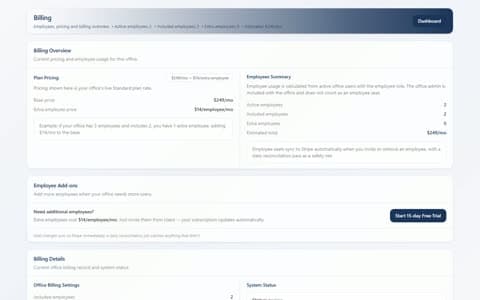
A flat monthly price per office includes 1 admin and 2 employee seats; additional employees are billed at $14/month each. No setup fees, no long-term contract.
What happens to our data if we cancel?
Your data isn't deleted when you cancel—your office's access is paused, and your records remain intact if you decide to resume billing later. Permanent deletion only happens through a separate, deliberate action, and only after an automatic backup is taken.
What if a payment fails?
You get a grace period to update your payment method before access is restricted—no surprise lockouts.
Can I add or remove employees later?
Yes—seats sync automatically as you invite or remove employees, and your bill adjusts accordingly starting the next billing cycle.
Help & Tutorials
Short video walkthroughs and guides for office staff and admins covering day-to-day work in AUTRA, from running an inspection to managing your team and billing.
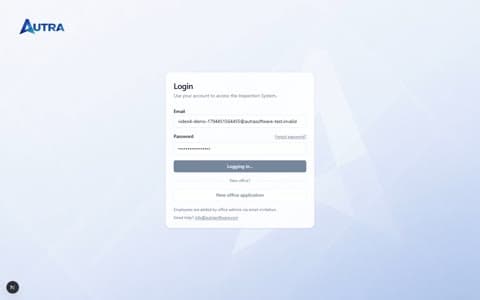
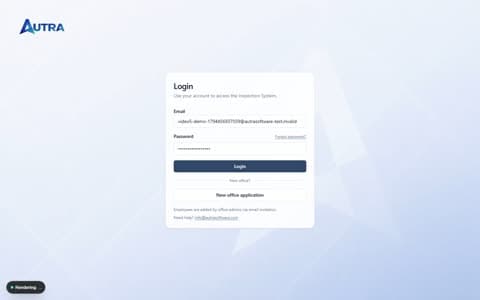
Employee Guide
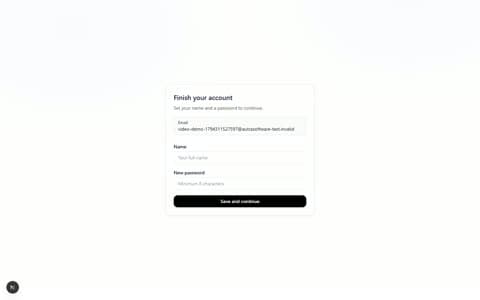
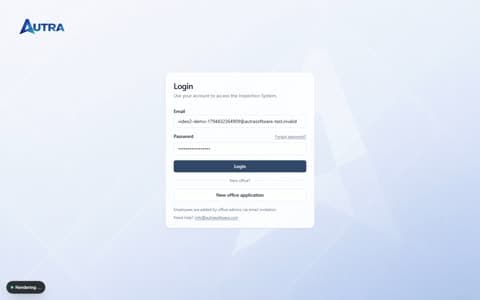
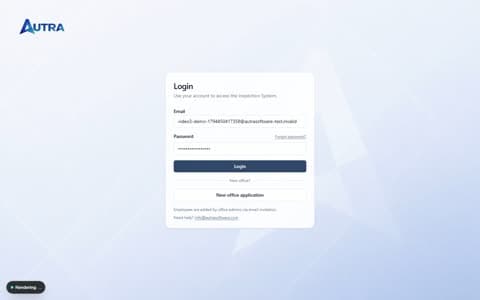
- • Logging in and first-time setup
- • Running the 7-step inspection wizard
- • Finding clients, vehicles, and past inspections
- • Pulling reports and PDFs
- • Reporting an issue and tracking it
Admin Guide
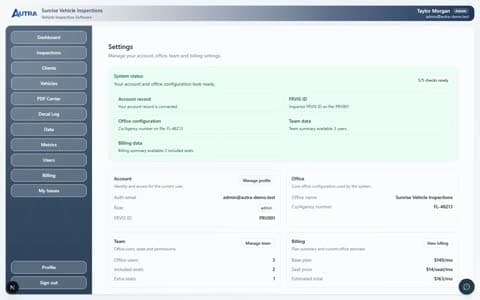
- • Inviting employees and setting permissions
- • Importing, exporting, and managing office data
- • Office settings and the decal ledger
- • Managing billing, seats, and payment
Employee Tutorials
Admin Tutorials
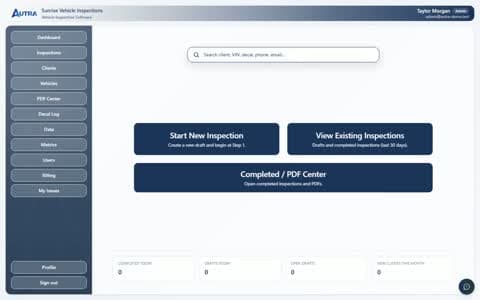
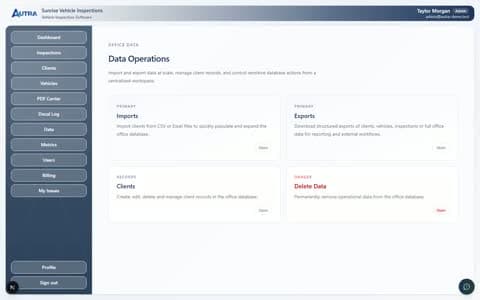
Common Questions
I'm an employee—where do I start?
Start with the Employee Tutorials above. "Getting Started" covers logging in and your first-time setup, and "Doing an Inspection" walks through the full 7-step wizard.
I don't see Users, Billing, or Settings in my menu—why?
Those are admin-only by default. An office admin can grant an employee extra access to specific areas (Data, Metrics, Users, Billing) if needed.
Something's not working—how do I report it?
Use "Report an issue" from any page in the app (see the Getting Help video), then track its status on My Issues.